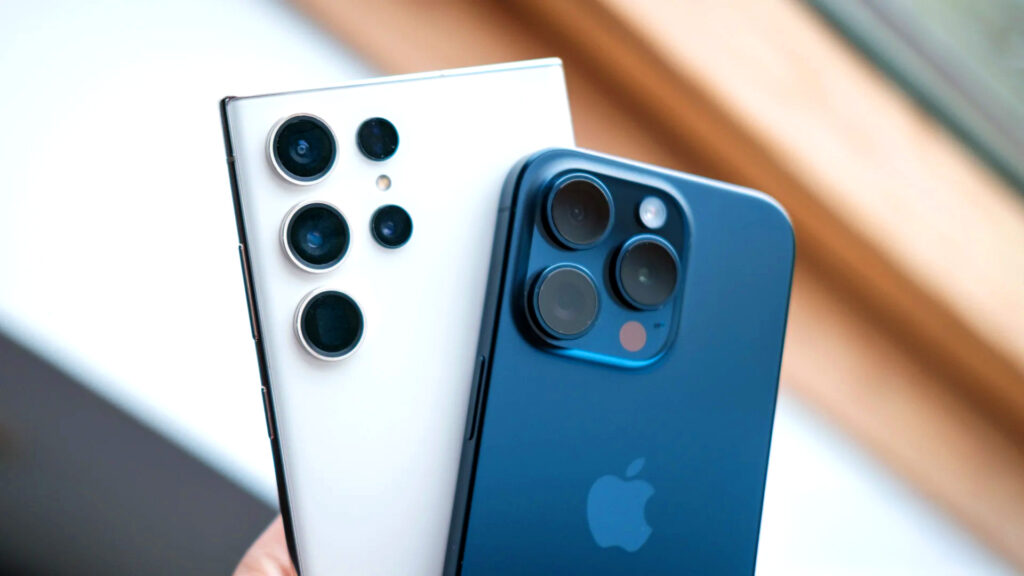
When a high-performance device like an iPhone 17, iPhone 16, or a flagship Samsung Galaxy starts to lag, it’s more than just a nuisance—it disrupts your entire day. Whether you’re navigating St. Louis traffic or handling work emails in Florissant, you need a responsive phone.
At C&C Cell Phone & Computer Repair, we help local users identify whether these slowdowns are simple software glitches or signs of hardware failure. Here are seven ways to speed up your device and how to decide if it’s time for a professional fix.
1. Clear Your Storage “Clutter”
When your storage is nearly full, your phone lacks the “breathing room” it needs to process data.
iPhone: Go to Settings > General > iPhone Storage.
Samsung: Go to Settings > Battery and Device Care > Storage.
If deleting old videos and unused apps doesn’t help, the issue might be a failing storage chip, which our team at C&C Repair can diagnose for you.
2. The Power of a Fresh Restart
Simply locking your screen isn’t enough. Closing all background apps and performing a full restart flushes the RAM and stops runaway processes. If the stuttering continues immediately after a reboot, you may have a deeper system conflict.
3. Update Your OS and Apps
Outdated software often leads to “bugs” that drain battery and slow down the processor. Check for updates under Settings > General > Software Update (iPhone) or Settings > Software Update (Samsung). If an update hangs or fails, your system files might be corrupted.
4. Watch the Temperature
Phones are designed to slow down (thermal throttle) when they get too hot to protect internal parts. Remove heavy cases and avoid using GPS or high-end games in direct Missouri sunlight. Persistent overheating often points to a damaged battery or internal liquid damage.
5. Scan for Android Malware
On Samsung and other Android devices, hidden adware or malicious downloads can hog resources. Stick to the Google Play Store and uninstall any apps you don’t recognize. If pop-ups persist, a professional system “deep clean” at our Florissant shop is the safest way to protect your data.
6. Optimize Settings
Background App Refresh and high-brightness settings can tax older processors. Reducing motion and transparency in your accessibility settings can give an older iPhone Air or Galaxy model a snappier feel.
7. The Factory Reset (The Last Resort)
A factory reset wipes everything and starts fresh. Always back up your data to iCloud or Google Drive first. If your phone remains slow even after a complete reset, the problem is definitely hardware-related.
You shouldn’t have to guess why your technology is failing. If your iPhone or Samsung is still freezing after trying these steps, let a professional take a look. A quick in-store diagnostic at C&C Cell Phone & Computer Repair can tell you exactly what’s wrong—whether it’s a tired battery, a full storage drive, or a more serious internal issue.
Visit us at Heart of N Hwy 67, Florissant, MO 63031, or call (314) 307-5373 for a fast quote. We’ll help you decide whether a budget-friendly repair or a full upgrade is the best move for your situation.